Pack-and-Go Voice-Controlled Living
Let’s explore how to set up a mobile, voice-activated smart home you can take when you move, keeping comfort, security, and convenience consistent from studio to townhouse and beyond. You will discover portable gear choices, resilient routines, and quick network strategies that rebuild swiftly, so lights, music, and peace of mind follow you wherever life lands next.
Plan the Ecosystem for Portability and Peace of Mind
Before buying gadgets, design for mobility first. Choose an assistant that manages multiple homes gracefully, prioritize devices that support Matter for simpler re-pairing, and lean on renter-friendly installs. Label everything, keep accounts tidy, and build automations that survive Wi‑Fi changes, new room names, and unfamiliar floor plans without forcing you to start from scratch.
Choose a Voice Assistant That Travels Well
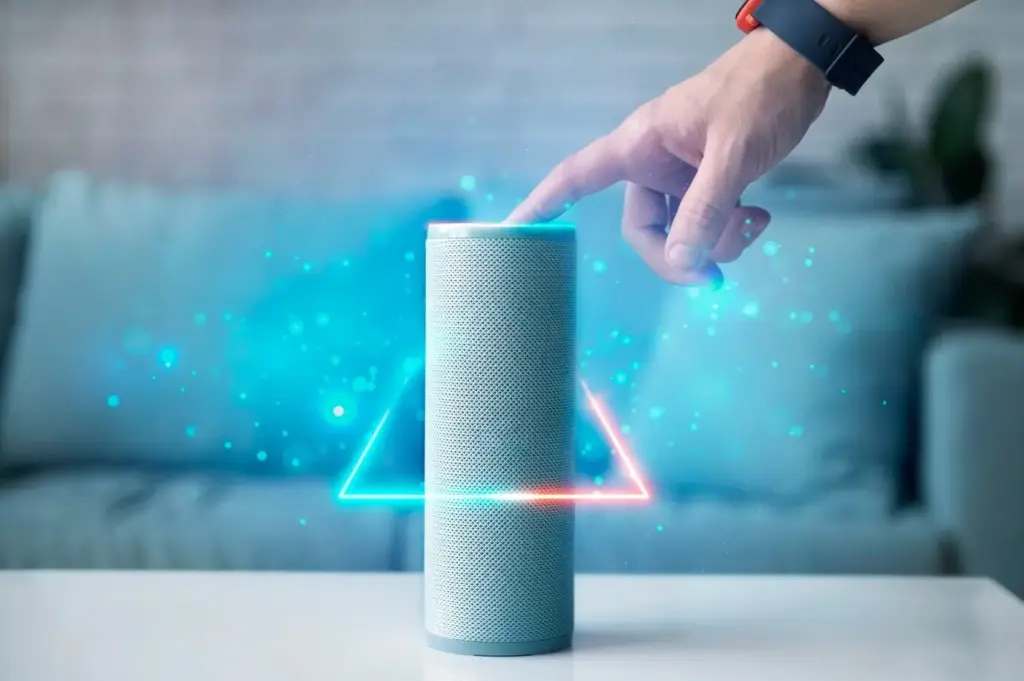
Alexa, Google Assistant, and Siri all shine in different ways, yet moving confidently depends on multi-home management, local control, and routine duplication. Favor ecosystems that let you recreate groups quickly, share access with family easily, and keep essential voice commands intact even when rooms and device names inevitably evolve after relocation.
Prioritize Devices with Matter, Thread, and Easy Re-Pairing
Matter helps you add the same bulbs, plugs, and sensors across ecosystems, reducing lock-in when addresses change. Thread improves reliability for low-power gear through a self-healing mesh. Look for QR codes, multi-admin support, and hubs that rediscover devices quickly when SSIDs, room layouts, and naming conventions transform during moving day chaos.
Portable Hardware Essentials That Avoid the Drill
Favor gear that packs easily, installs fast, and resists landlord hassles. Smart plugs, bulbs, portable hubs, adhesive-friendly sensors, and battery-powered shades deliver big convenience without cutting into drywall. A small travel router, labeled cables, and a compact surge-protected strip become the reliable core you can redeploy in minutes after keys change hands.
Smart Plugs and Bulbs Beat In-Wall Installs
In-wall switches can be beautiful, but plugs and bulbs move with you effortlessly and require zero wiring. They pair quickly, fit rentals, and let you create dependable scenes without calling an electrician. Start with lamps you use daily, then expand gradually, ensuring replacement and troubleshooting remain simple when relocating between vastly different spaces.
Compact Hubs, Bridges, and Travel Routers
A tidy core kit accelerates setup everywhere. Consider a compact hub for sensors and remotes, a bridge for specialty lighting, and a small travel router to standardize your network identity. Keep them in a labeled pouch with power supplies, Ethernet, and spare batteries, so your command center reappears instantly in any new living room.
Network Setup You Can Recreate in Minutes
A consistent network identity is the secret to fast rebuilds. Use the same SSID and password from home to home, or deploy a travel router that preserves them internally. Choose mesh systems that streamline migrations, document everything with photos, and store configuration notes, recovery codes, and QR labels where you can find them immediately.
Voice Routines That Survive Moving Day
Build automations around activities and phrases rather than addresses or room names. Time-based and phrase-based triggers travel well, while geofences and precise room targets may not. Use groups, scenes, and standardized naming to keep control predictable. Establish a moving-day mode that prevents surprises and preserves essential comfort while everything else is still boxed.
Security and Privacy That Travel with You
Relocations are prime moments to strengthen protection. Audit accounts, enable two-factor authentication, and verify recovery emails. Use separate Wi‑Fi for gadgets, update firmware before packing, and factory reset anything you will resell. Confirm door locks, cameras, and sensors are fully removed from old locations, so no lingering access or geofencing ghosts remain behind.
Protect Accounts Before the First Box Moves
Turn on two-factor authentication, store backup codes safely, and consider passkeys where supported. Clean stale logins, verify family sharing, and ensure lost-phone recovery will work. When assistants, hubs, and lighting bridges are your daily controls, solid account hygiene prevents lockouts during the most stressful hours and secures your voice commands everywhere.
Use Guest and IoT Networks
Placing gadgets on their own SSID or VLAN limits exposure if a device is compromised. Enable device isolation thoughtfully, test discovery for casting or voice features, and keep your personal laptops and phones separate. This small network boundary adds peace of mind without sacrificing the convenience that makes portable smart living feel effortless.
What Worked When We Moved Across Town
Keeping the same SSID and password let most devices reconnect instantly. A clearly labeled box with hubs, router, and essential plugs recreated our foundation fast. Activity-based scenes meant familiar phrases still worked. Suddenly, coffee brewed, entrance lights glowed, and a calming playlist played, even while the couch negotiated its new corner.
What Broke and How We Fixed It
A few Zigbee sensors orphaned themselves, and two routines referenced old room names. We scanned QR codes we had photographed earlier, re-paired in minutes, and switched to activity-centric scenes. Matter multi-admin reduced friction between ecosystems. The experience reinforced documenting labels and choosing portable gear over permanent wiring whenever flexibility truly matters.
Fast-Start Checklist for Day One
Unpack the core kit first: router, hubs, essential plugs, and a trusted lamp. Power up, confirm internet, verify assistant sign-ins, and try a single voice command. Reconnect bulbs, then sensors, then extras. Restore critical scenes, pause nonessential automations, and sleep easy knowing comfort and security now answer reliably in unfamiliar rooms.
A Move-Tested Story and Your First-Day Checklist
When we moved from a studio to a bright new place, a compact core kit made all the difference. A travel router, two labeled hubs, and portable bulbs got morning routines back within an hour. Below is what we learned, plus a first-day checklist to help you settle in confidently. Share your tips and subscribe for updates.
All Rights Reserved.